Your UltraViewer download should take less than a minute, because the setup file is only 3.5 MB. This page shows where to get the current version, how to check the file and how to install it on Windows. It also covers the portable ZIP, updates and the most common install errors.
New to the app? Our UltraViewer overview explains what it does and who it suits.
Get the file from the source: the developer's download page.
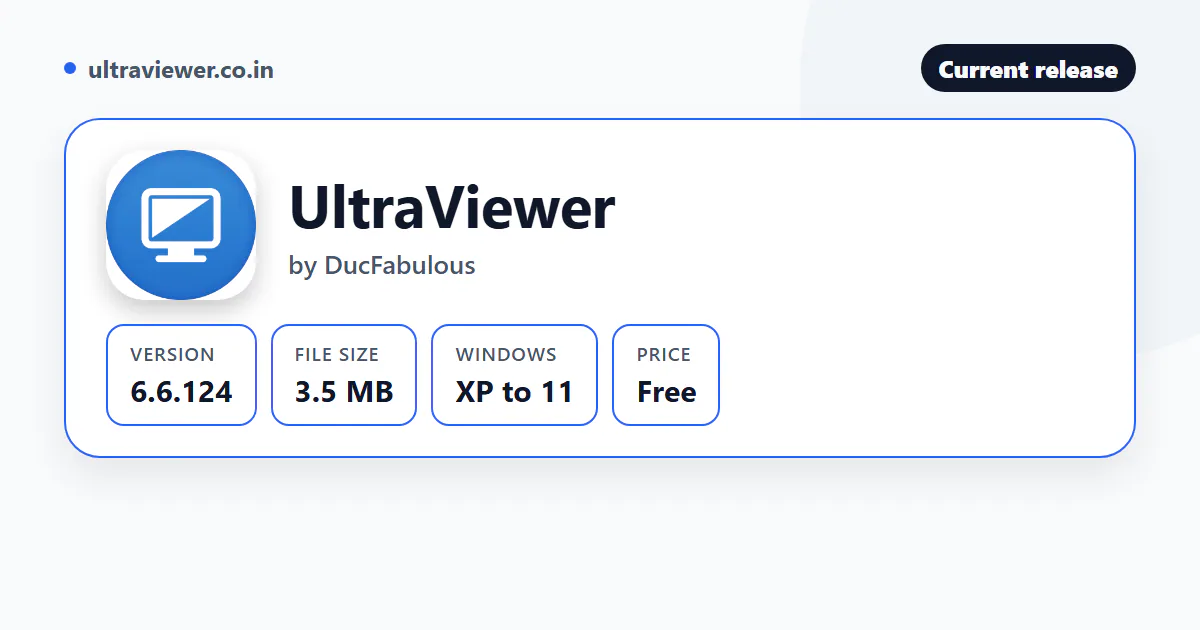
UltraViewer Download Facts at a Glance
The table below comes from the developer's own download page, checked in November 2026.
| Item | Details |
|---|---|
| Version | 6.6.124 |
| Setup file | UltraViewer_setup_6.6_en.exe |
| File size | 3.5 MB |
| Windows | XP, 7, 8, 10, 11 and Windows Server |
| Developer | DucFabulous |
| Price | Free, with optional paid plans |
| Portable ZIP | Listed as "Unsupported" |
Where to Get the UltraViewer Download
The safest source is the developer's own website, ultraviewer.net. That page always lists the newest build. In contrast, many download portals keep older versions or wrap the file in their own installer.
So before you click any button on another site, check three things:
- The file name should match
UltraViewer_setup_6.6_en.exe. - Its size should be close to 3.5 MB. A much bigger file may hide extra software.
- No extra offers should appear during setup. If an installer asks to add a browser toolbar or a "cleaner", cancel it.
How to Install UltraViewer on Windows
The setup takes about a minute. Here are the steps for Windows 11 and Windows 10; older versions look much the same.
- Open your Downloads folder and double-click the setup file.
- If Windows shows a blue SmartScreen box, check that the publisher and file name look right. Then click More info and Run anyway only if you trust the source.
- Click Yes when User Account Control asks for permission.
- Choose your language and accept the licence terms.
- Keep the default folder and click Install.
- When the setup ends, click Finish. UltraViewer opens and shows your ID and password.
After that, you are ready for a first session. Our guide on how to use UltraViewer walks through connecting, chat and file sharing.
Portable ZIP: Should You Use It?
The developer also lists a ZIP version that runs without setup. However, it marks that version as "Unsupported". It also has fewer features than the normal installer. For that reason, most people should pick the EXE file. In fact, the ZIP only makes sense on a locked PC where you cannot install software. Even then, ask the owner first.
How to Update to the Latest Version
Updates are free on every plan. To move to a newer build, download the current setup file and run it. The installer replaces the old version, so you do not need to remove it first.
Not sure which version you have? First, open Control Panel, then Programs and Features. Next, find the Version column next to UltraViewer. If it shows a number below 6.6.124, then install the new file.
UltraViewer Download Problems and Fixes
Most download and install errors have a simple cause. Try these fixes in order:
- The download does not start: turn off a download manager or try another browser such as Edge or Chrome.
- Antivirus blocks the file: this often happens with remote tools. First check the file name and size. Then download it again from the developer's site.
- "This app can't run on your PC": you may have a corrupt file. Delete it and download again.
- The installer closes at once: restart Windows, then run the setup as an administrator.
- "Getting my ID" never finishes: your firewall or office network may block the app. Test once on a mobile hotspot.
Is There an UltraViewer Download for Mac, Android or iPhone?
No. The developer states that UltraViewer runs only on Windows. As a result, any "UltraViewer APK" or Mac file comes from someone else. Avoid those files, because they can carry malware. Instead, if your partner uses a Mac or a phone, choose a tool for both sides. Our UltraViewer vs AnyDesk comparison helps you decide.
Before You Install: A Quick Checklist
A little care before setup saves trouble later. So run through these points first:
- Close other remote tools. Two remote apps at once can clash over the screen.
- Free up some space. The app is tiny, but Windows updates and temp files can fill a small drive.
- Use an admin account. Otherwise, Windows may block the installer.
- Note your Wi-Fi name. If you help someone later, they may need to reconnect after a restart.
UltraViewer Download on Office and College PCs
Many offices, banks and colleges in India lock their PCs. In that case, the installer may need IT approval. Therefore, ask your IT team before you install any remote tool on a work machine. Some offices block remote apps on purpose, because they can expose company data.
Likewise, a college lab may allow the app only for teachers. If you are a student, ask the lab in charge first. In short, follow the owner's rules; a quiet install can break the network policy.
What the Paid Plans Add
The free download covers remote control, chat and file sharing. Still, three paid plans exist for heavier use. For example, Lite ($3.99 a month) removes ads and can wake a sleeping PC. Professional ($5.99) adds an address book and PC sound. Premium ($7.99) adds video recording and a custom client. However, most home users never need them.
How to Uninstall UltraViewer
Removing the app is quick. Open Control Panel, then Programs and Features. Next, select UltraViewer and click Uninstall. On Windows 11, you can also go to Settings, then Apps, then Installed apps.
FAQs
Is the UltraViewer download free?
Yes. The developer calls UltraViewer free software. Optional paid plans add extras such as an address book and video recording.
What is the latest UltraViewer version?
The developer's download page lists version 6.6.124 with a 3.5 MB setup file.
Does the UltraViewer download work on Windows 7?
Yes. The developer lists Windows XP, 7, 8, 10, 11 and Windows Server as supported.
Do I need to download UltraViewer on both computers?
Yes. Both the helper and the partner need the app open before they can connect.
Is it safe to download UltraViewer from other sites?
It can be risky. Some portals bundle extra software, so the developer's own page is the safest choice.